Moving off Helium
Built for wholesale. Helium is not.
Helium Customer Fields is a general-purpose custom-fields app. B2B Onboard ships with the wholesale approval workflow, EU VAT verification, and Shopify Flow connector wired up from day one. No retrofit. No glue code.
Purpose-built, not retrofitted
Four things B2B Onboard ships with on day one that you would have to build on top of Helium.
No theme files edited
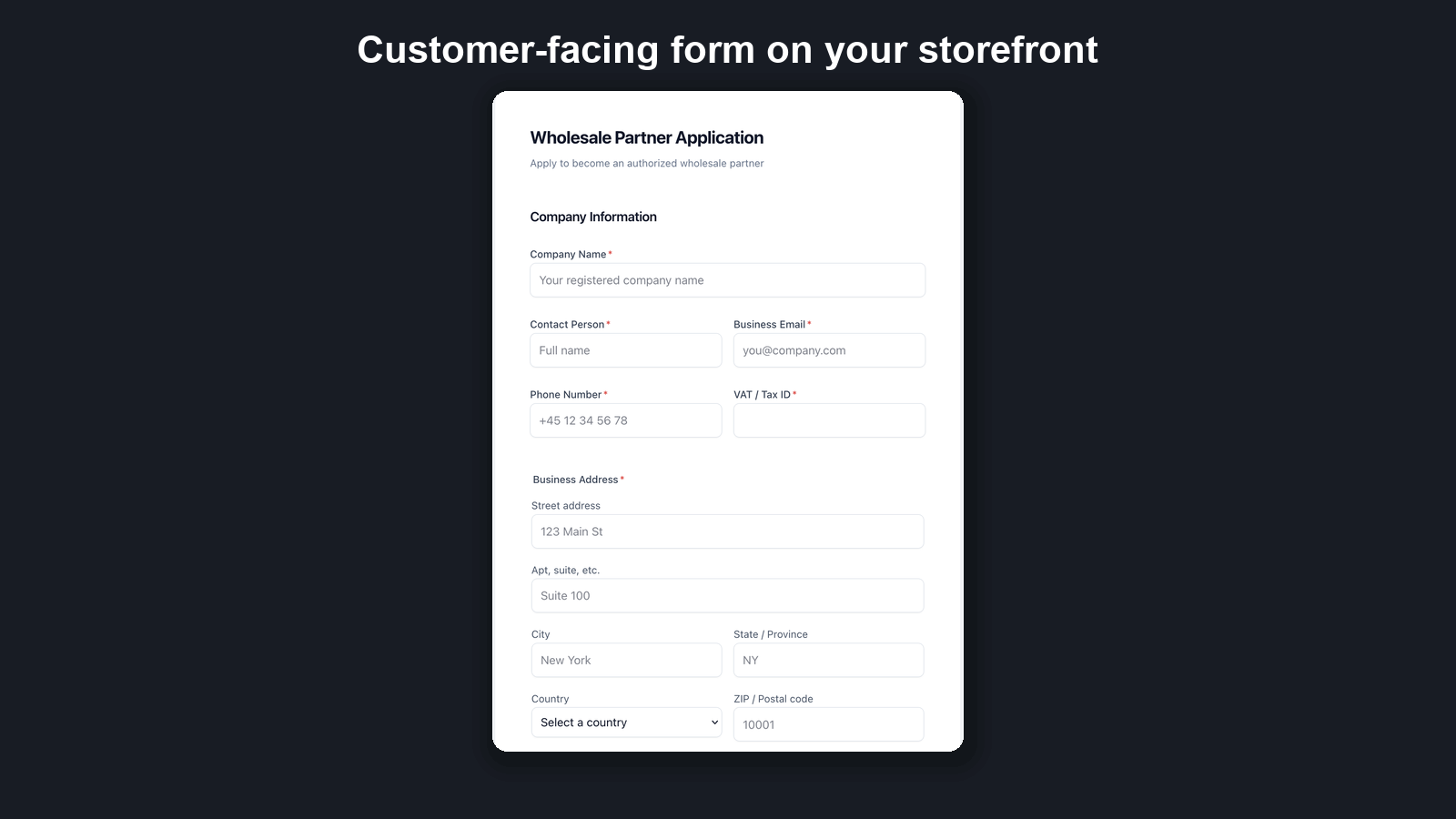
Forms render through Shopify App Proxy. B2B Onboard never edits your theme files and never injects scripts into your storefront pages — no Liquid edits, no ScriptTag. The only theme-side option is a page block you add yourself in the theme editor to display the hosted form, removed again in one click. Uninstall and the storefront is untouched.
Dedicated approval workflow
One-click approve or reject. Shopify customer accounts created automatically on approval, with the right tags for wholesale pricing. Auto-approval rules for trusted email domains and verified EU VAT numbers.
EU VAT verification via VIES
VAT numbers are checked against the EU VIES database in real time during form submission. You see the verification result before you approve. Built in, not a separate integration.
Shopify Flow triggers and actions
Connect application submissions and approvals to your existing automations. Auto-tag, send Slack alerts, sync to your CRM. Triggers and actions are both supported, not just triggers.
Data stored in the EU (Frankfurt, AWS eu-central-1). GDPR compliant with a full Data Processing Agreement. Free tier available so you can run a side-by-side comparison before you switch.
Prepare your company list before you switch
Already have wholesale accounts in Helium, BSS, or SparkLayer? Get your data switch-ready. Download the CSV template, fill in your companies, contacts, and locations, and upload it in Companies → Import companies to check it before you move.
First, B2B Onboard validates the whole file and shows you a dry-run preview: total rows, how many are valid, and the distinct companies, contacts, and locations it found — plus a row-by-row report of any problems (missing required fields, malformed email addresses, unrecognized or missing countries, phone numbers Shopify won’t accept, duplicate contact emails inside the same file, and files over the 5,000 rows allowed per import). Contacts you previously erased under a data-deletion request are held back too, and listed for explicit row-by-row review before anything is created. Nothing is created during this validate step, so fix any problems and re-upload until your list is clean.
When the preview looks right, click Create companies to run the import. B2B Onboard creates real B2B companies, contacts, and locations for every valid row — the same path as approving an application. Tax exemptions are applied only where the tax ID actually verifies against the official registry for that company’s country — VIES for the EU, HMRC for the UK, the ABR for Australia, the NZBN register for New Zealand, and Brønnøysund for Norway. If a registry can’t confirm a number during the import, that row is marked unavailable in the results and imports with tax still collected — never quietly exempted. A registry that was simply unreachable at the time is re-checked automatically in the background afterwards, so you don’t need to re-upload anything just for that; a number that is genuinely wrong you fix and re-import, or re-check from the company later.
Your imported clients hear from you only when you decide they should. Sending login instructions to imported contacts is a single checkbox at upload time, and it is off by default — so a migration moves your data quietly, and the welcome email goes out when you’re ready for it.
The page shows live progress and a per-row result table (created, matched to an existing company, failed, or held back — a contact previously erased under a data-deletion request), plus the tax-ID check for every row, when it finishes. Upload the same file twice by mistake? B2B Onboard recognises a file that has already been imported and stops before creating anything — you can open the earlier run’s report instead, or deliberately choose to run it again.
Every finished import offers a Download results file: one line per row with its outcome, any error, the tax-ID check result and the reference behind it — your record of exactly what the migration did. When some rows fail, a second download gives you just those rows in the original columns, so you fix them in place and upload the same file again.
Imported companies stay out of your performance numbers. They don’t count toward the dashboard metrics or the weekly digest, so a migration never inflates your approval rate, response time, or time-saved figures — while every imported record stays visible in the applications list under the Imported filter, with an Imported badge on each row.
The template covers company name, contact first/last name, email and phone, full address (address 1 & 2, city, province, country, ZIP), and tax ID — validate, confirm, and your wholesale list is live in Shopify.
Full migration guide: every column, format requirements, and what happens on import →
Make the switch this afternoon.
Install free, recreate your Helium form with a B2B template in a few minutes, and approve customers without leaving Shopify. Keep both apps installed during the transition if you want.